
The main question of Bangladeshi users regarding the GT99 app is which files are trustworthy, how to safely verify on Android, and when using a browser on iPhone may be sufficient. This page does not provide any downloads; it contains steps for verification, permissions, and identifying fake apps.
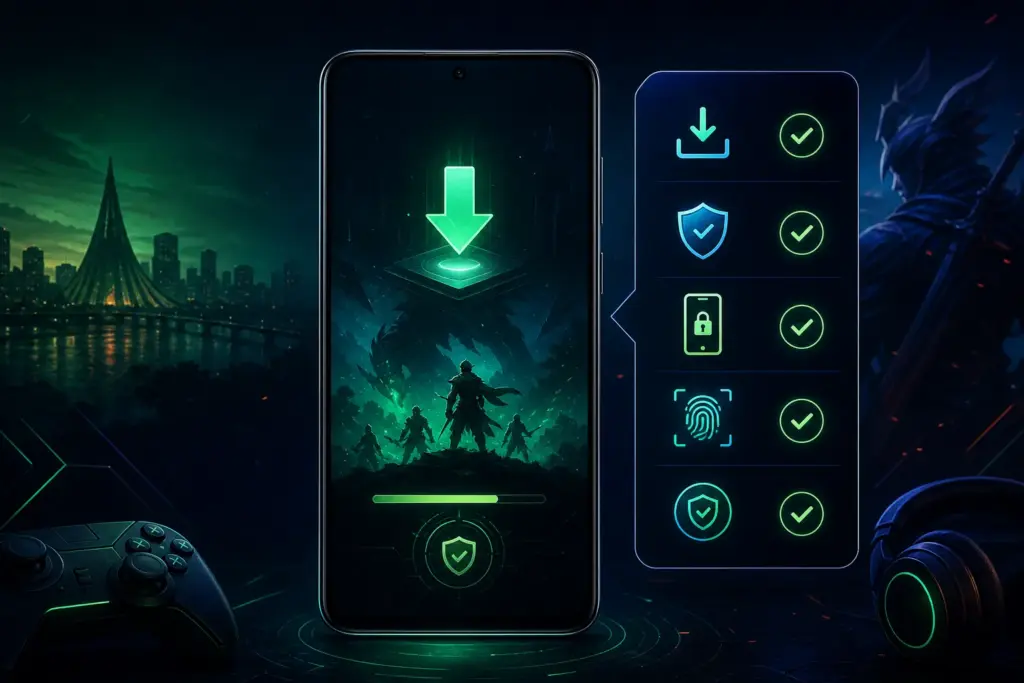
What is the GT99 app
The GT99 app generally refers to an app-based way to use pages or services related to GT99 on mobile. However, just because the name is the same does not mean the file is safe or genuine.
Before using the app, it is necessary to verify the domain, file source, permissions, update date, and the behavior of the login page. If there are login issues GT99 Login Issues also check the page.
Android usage
Installing APK files from outside on Android can increase the security risks of the device. Instead of deciding just by the file name, check the source, size, version, permissions, and the page that opens after installation.
If unfamiliar payment instructions, additional bonus pop-ups, or OTP requests in chat are seen immediately upon opening the app, stop using it and verify.
Verify the APK file
Monitor the file name, source page, release date, version number, device permissions, and the domain that opens after installation while verifying the APK file. Old or renamed files can be risky.
- Check if the file's source matches the same domain or credible guidelines.
- Be cautious if it asks for additional SMS, contact list, or file permissions.
- Do not provide your password if the login page looks unfamiliar after installation.
- Verify again if the source of the app update changes.
iPhone browser options
iPhone users can often view GT99-related pages from the browser instead of a separate app. This reduces the risk of file installation, but domain verification is still essential.
Compare saved passwords in the browser, personal devices, and lock symbols. If logging in on a shared phone, make sure to log out after use.
App permissions
If the app requests additional permissions for camera, location, contact list, SMS, or files, understand why they are needed. If they do not align with necessity, keep the permissions disabled.
It is not safe behavior to ask for KYC, password, or payment information in a chat. Before registration GT99 Registration Guide read.
Ways to identify fake apps
Fake apps are usually detected through misspellings of the name, claims of extra bonuses, personal payment instructions, unfamiliar domains, or unusual permissions.
If the app directly prompts for deposits, requests OTP, or shows unfamiliar support links, close the app and check the domain and instructions.
Verify the update source
When a new file is provided in the name of an app update, check if the source matches the previous one. Updating with files received only through messages or social media is risky.
To understand whether the app's path is correct before depositing or withdrawing GT99 Deposit and Withdrawal Guidelines read.
7 checks before using the GT99 app
- Check the spelling of the domain and page.
- Verify the APK source and file date.
- Be cautious when asking for unnecessary permissions.
- Do not provide your password if the login page looks unfamiliar.
- Do not send OTP, KYC documents, or payment information in chat.
- Verify again if the source of the app update changes.
- Remember the 18+ and responsible usage limits.
GT99 app Q&A
The GT99 app may refer to an app-based path for using GT99 related pages or services on mobile. However, it is not safe to assume any file is secure just by its name.
Check the source, file name, version, date, permissions, and the open domain after installation. Avoid installation from unknown sources.
It depends on the security source and permissions. There is a risk when taking files from outside, so avoid using if you see unnecessary permissions and unfamiliar domains.
The browser path can be used on the iPhone, but the domain, lock icon, and behavior of the login page must be verified.
Some apps may create risks to personal information by asking for additional permissions. Do not grant permissions if they do not match the work.
Misspellings, unfamiliar domains, extra bonus pop-ups, personal payment numbers, OTP requests, and unusual permissions can be signs of a fake app.
Check against the source you have verified before. Taking updates from social messages or unfamiliar links is risky.
Verify the recipient number, transaction ID, KYC status, and conditions. Details Deposit and withdrawal guidelines are on the page.